Account Setup
NVIDIA DSX Air uses NVIDIA NGC for authentication and organization management.
Prerequisites
To use Air, you need an NGC account and organization.
If you do not have an NGC account, go to ngc.nvidia.com and follow the prompts to create an NVIDIA Cloud Account (NCA) and organization. For detailed instructions, refer to the NGC User Guide.
- Individual orgs are single-user only.
- Enterprise orgs support multiple users, teams, and role-based access. This plan is available to paying customers. Contact your NVIDIA sales representative for more information.
To add additional users to your organization, you need an enterprise org. For more information, see Adding NGC Users to an Org.
Log In to Air
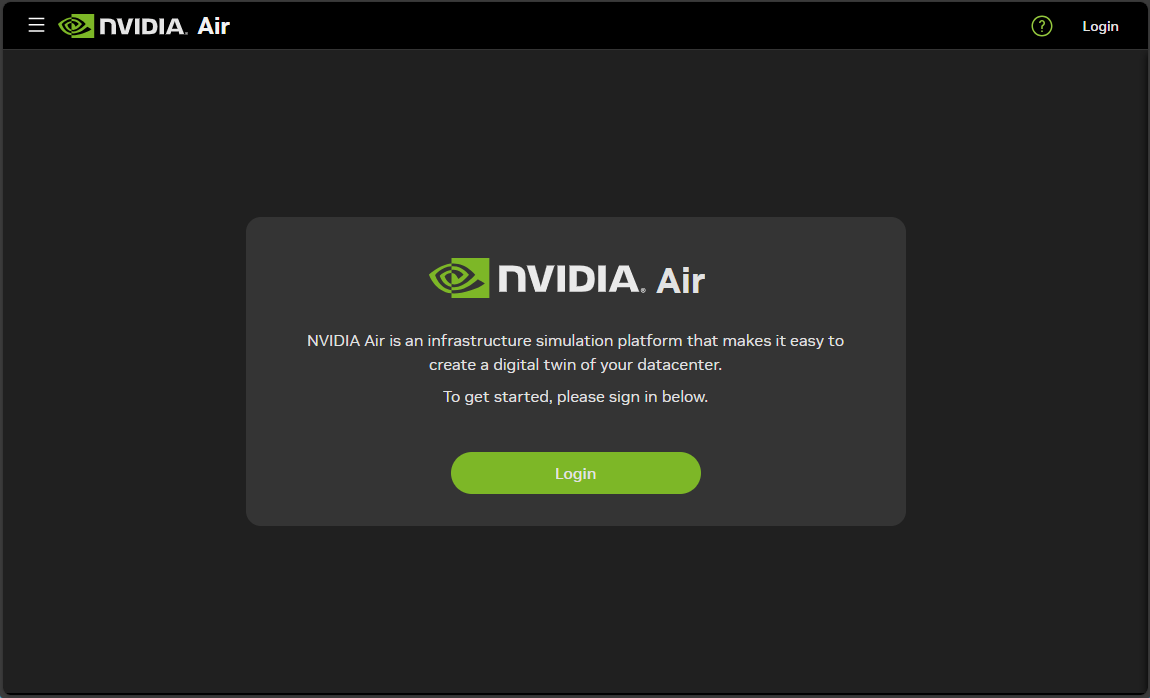
- Go to dsx-air.nvidia.com and click Login.
- Enter your business email address and click Continue.
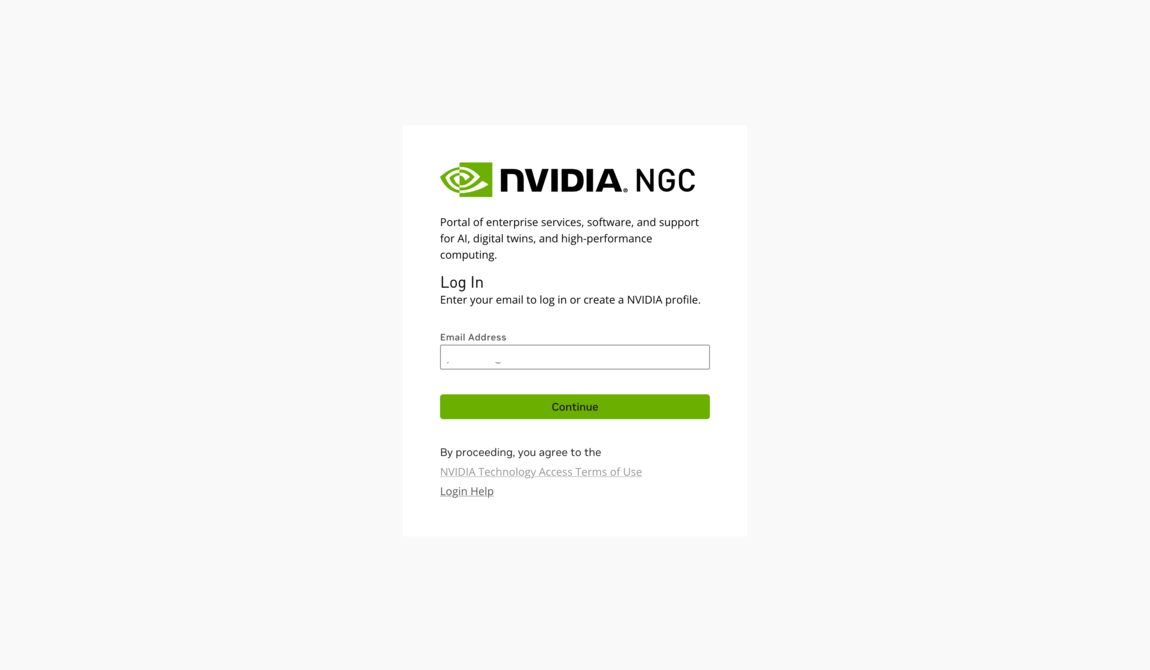
You must use a business email address. Personal email addresses (such as gmail.com) are not accepted. If your business email is not accepted and you think this is in error, contact air-support@nvidia.com.
- Select the NGC organization you want to use with Air and click Continue.
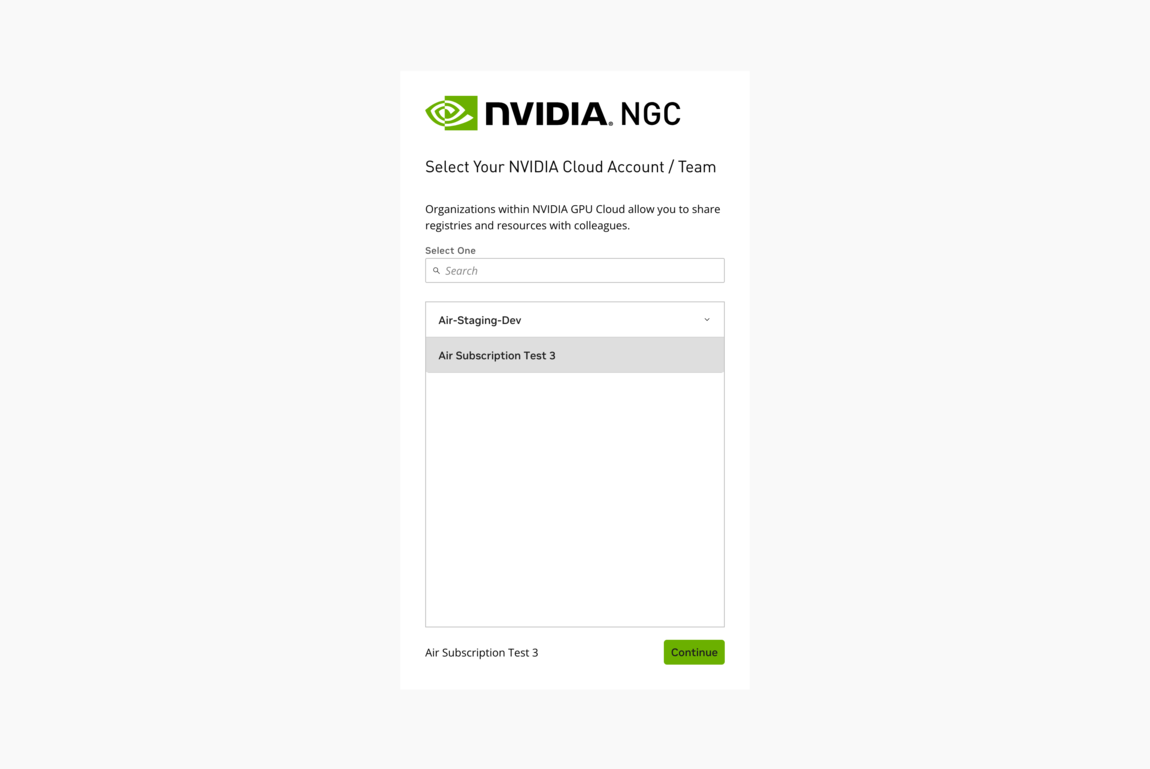
Air subscriptions and free trials are tied to your NGC organization, not individual users. If you belong to multiple organizations, select the one you want to use for Air simulations.
Start a Free Trial
If your organization does not have an Air subscription, you may be eligible for a free trial. The trial includes:
| Resource | Individual Org |
|---|---|
| Concurrent vCPUs | 60 |
| Concurrent memory | 60 GiB |
| Compute hours (credits) | 10,000 |
| Duration | 1 year |
Only NGC organization owners can start a free trial. If you are the org owner, Air prompts you to start the trial after you log in:
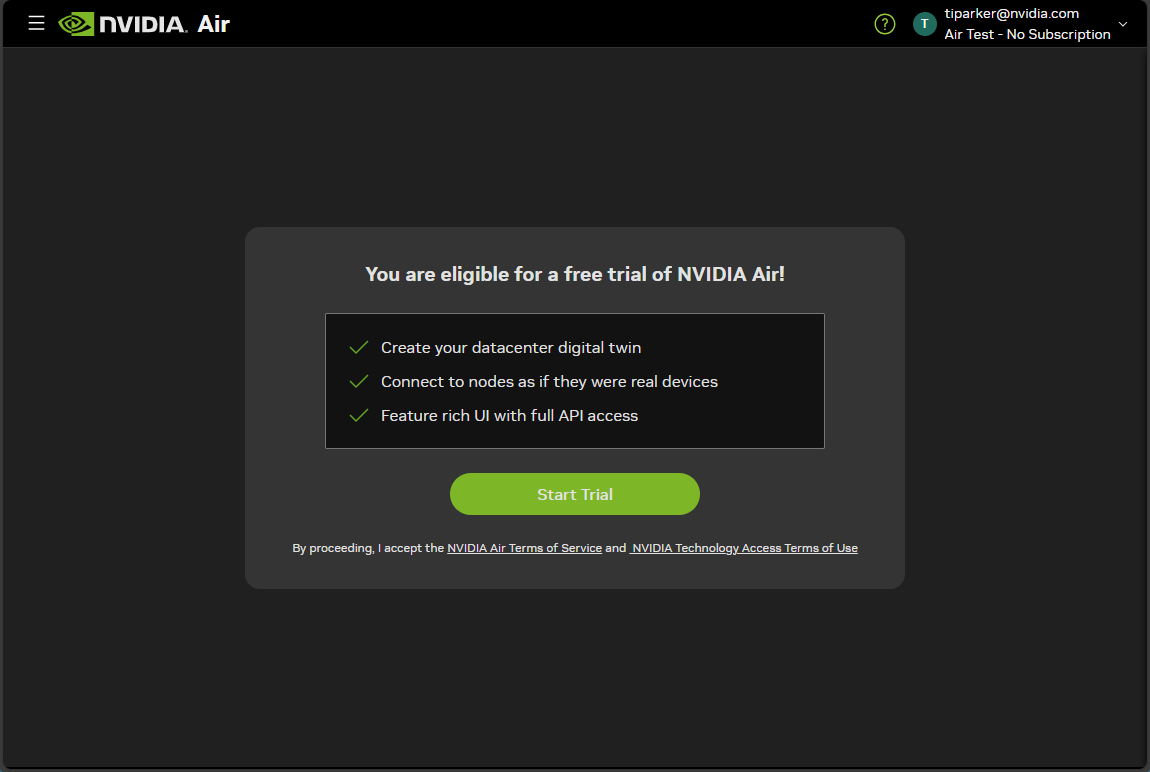
Click Start Trial to activate the free trial for your organization. If you are not the organization owner, contact your NGC organization admin to start the trial.
Billing
NVIDIA DSX Air bills usage by compute hour, measured down to the minute.
A compute hour represents either:
- 1 vCPU used for 1 hour, or
- 8 GB of memory used for 1 hour
vCPUs and memory are billed independently. For example, a VM with 1 vCPU and 8 GB of memory running for 1 hour consumes 2 compute hours (1 for the vCPU + 1 for the memory).
Add a User and Assign Roles
To access NVIDIA DSX Air, each user in your organization must have at least one of the following roles assigned at the organization level:
- Air Org Admin
- Air User
To add a new user to your organization, go to org.ngc.nvidia.com/users and click Add a user.
Always add users through the NGC org management page linked above. Do not invite users through the NVIDIA Cloud Account (NCA) page. Users invited through NCA may not appear correctly in NGC, which prevents you from assigning roles.
To assign roles to an existing user:
- Go to org.ngc.nvidia.com/users.
- Find the user and edit their membership.
- Under Step 2: Assign Permissions to New User, select Organization as the context for role assignment.
- Under NVIDIA Air, select Air Org Admin, Air User, or both, then click Add Role.
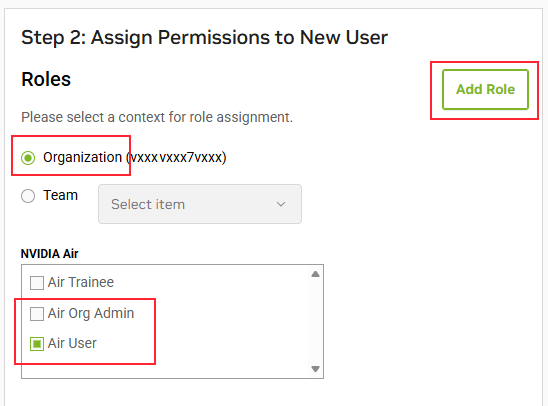
Do not assign the Air Trainee role to users. This role is reserved for NVIDIA-led Air training sessions. Assigning the Air Trainee role locks the user’s identity in the organization to read-only access and prevents them from creating simulations.
Troubleshooting
Cannot Start Free Trial
Only NGC organization owners can start a free trial. If you see a prompt to contact your admin:
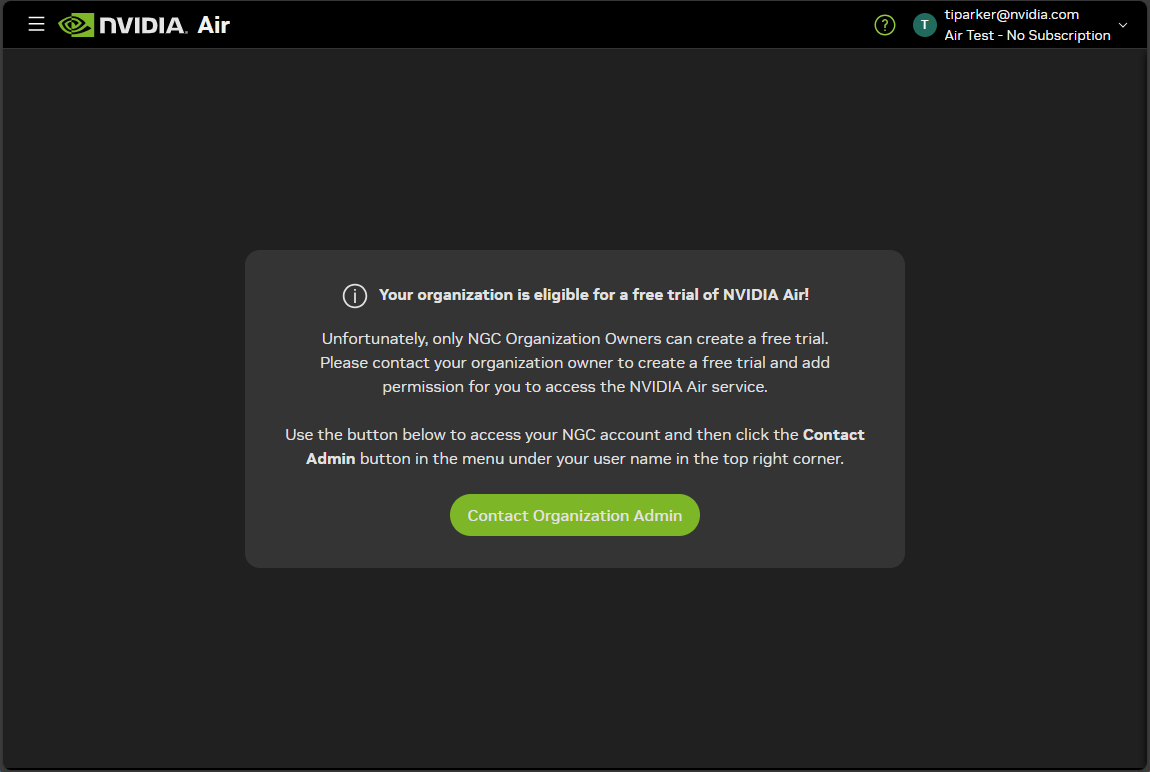
Click Contact Organization Admin to send a request to your NGC organization owner.
Missing Roles
If your organization has an Air subscription but you cannot access the platform:
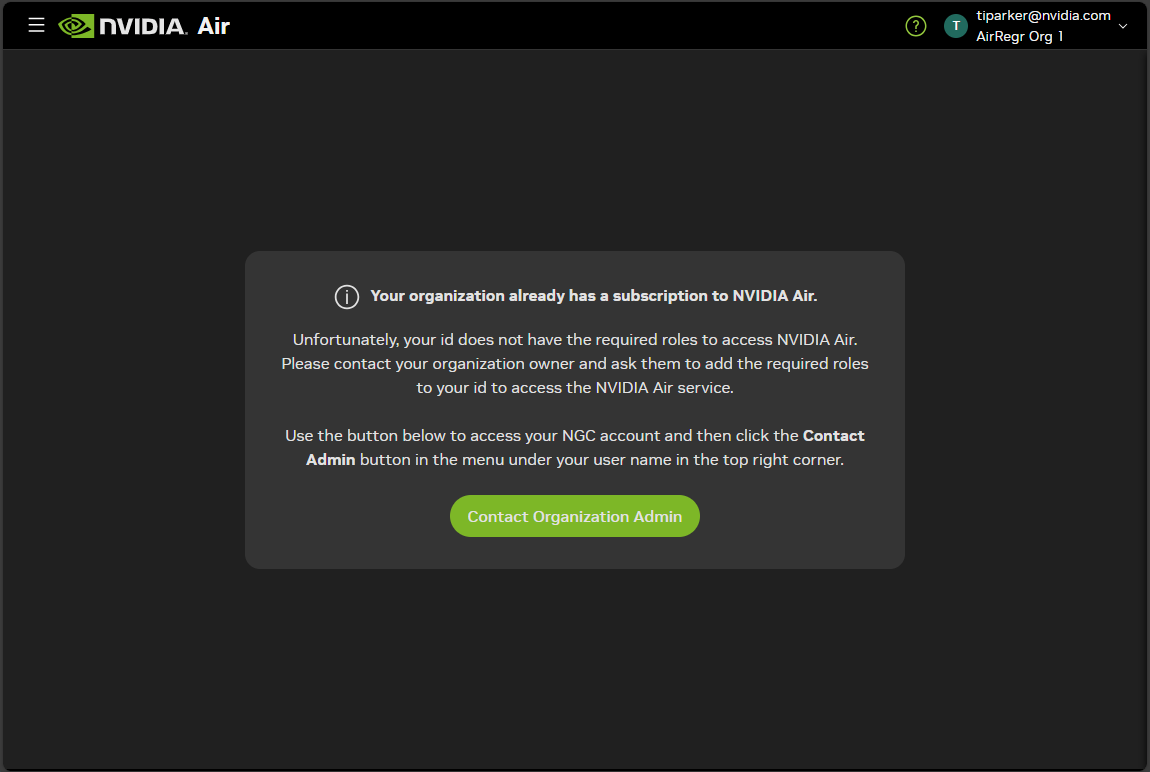
Contact your NGC organization owner and direct them to Add a User and Assign Roles to request the appropriate roles for Air access.